
GAME PAGE & FIELD NOTES Cradles of Conquest: Vanguard Frontier
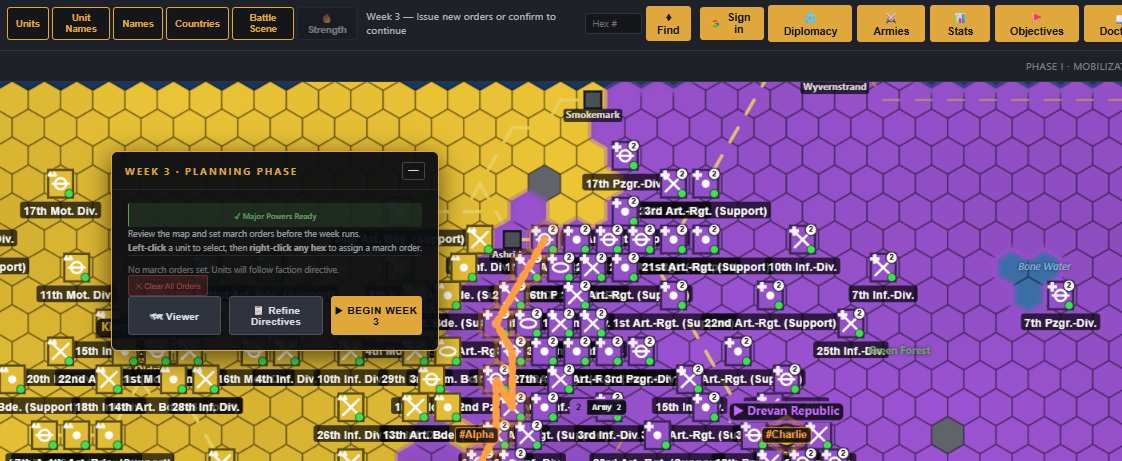
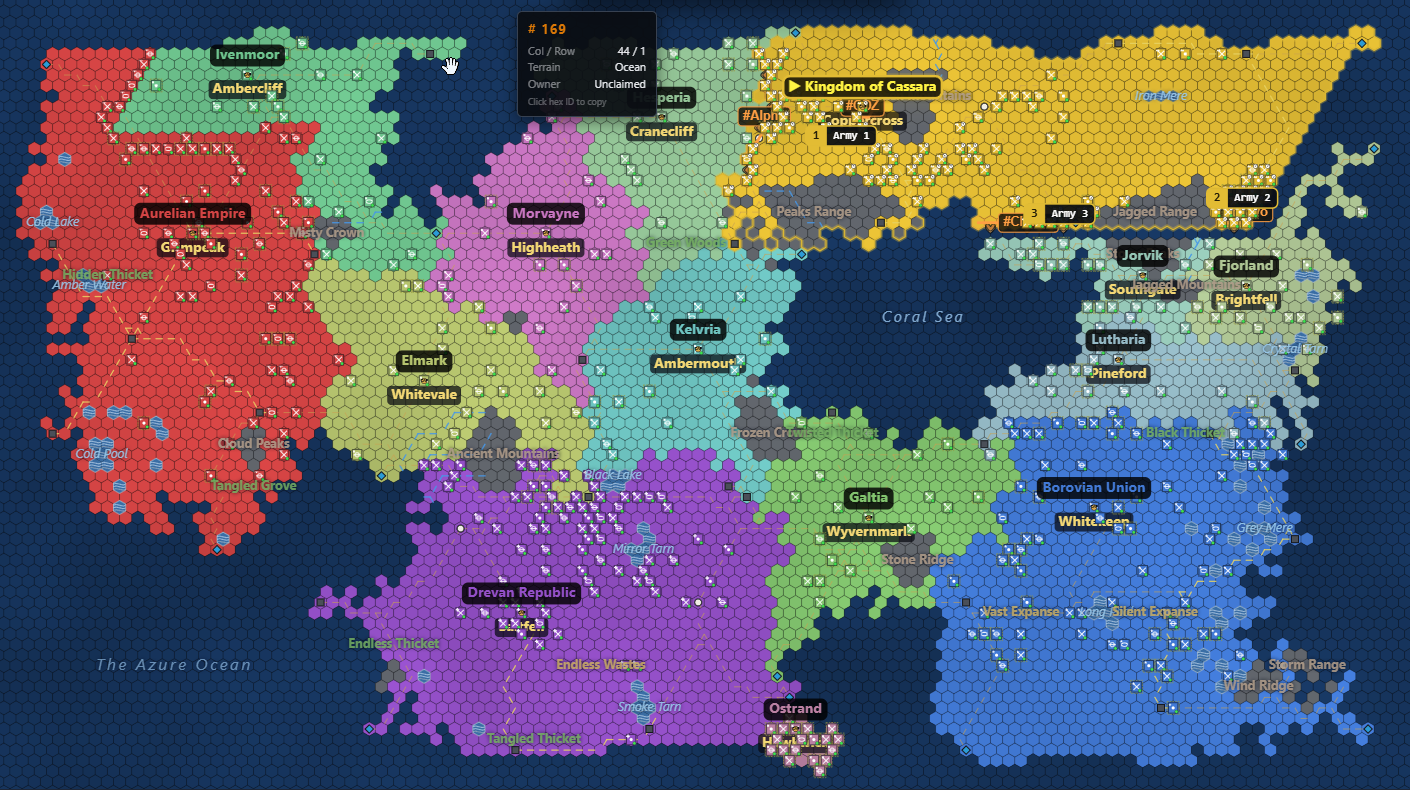
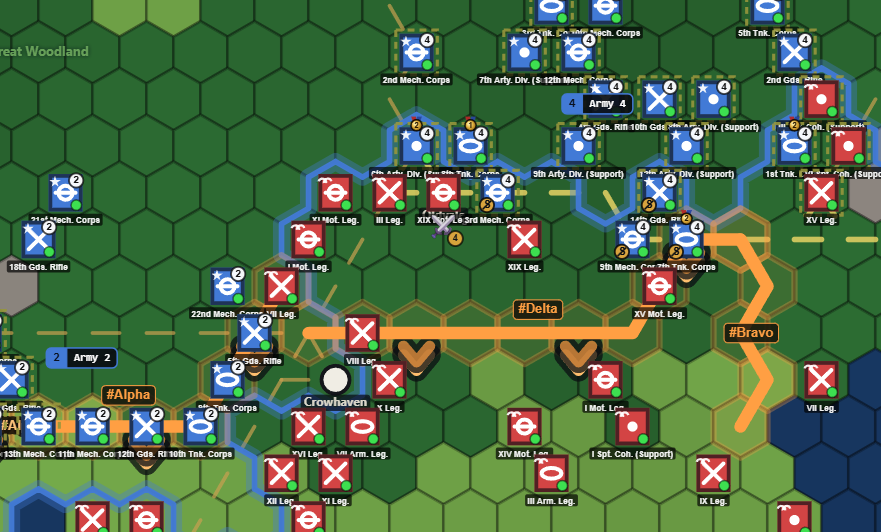
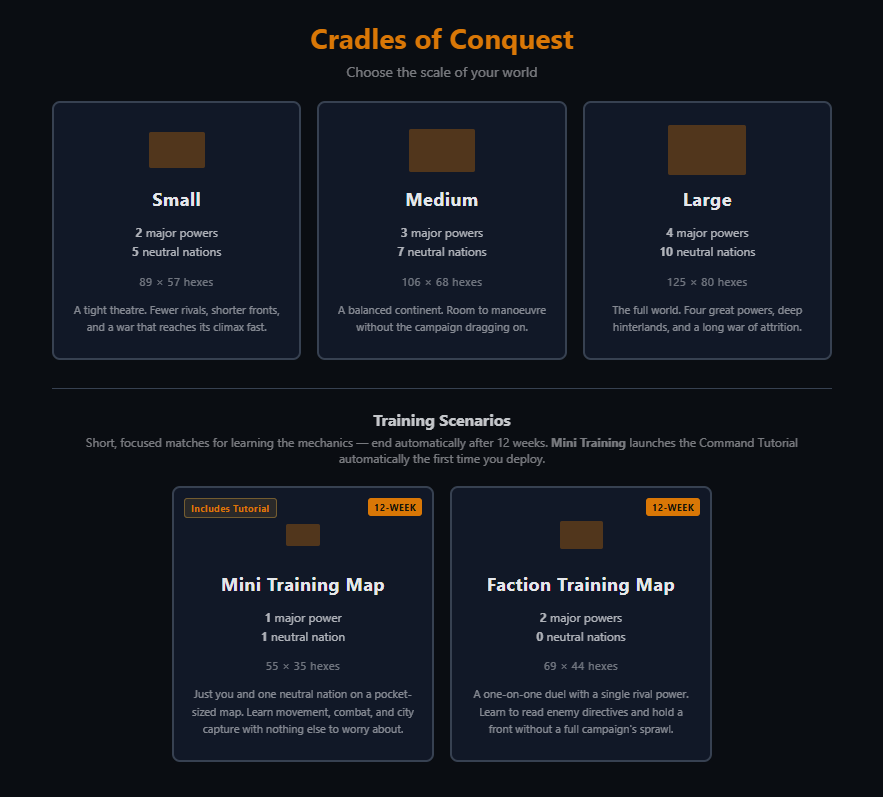
Cradles of Conquest: Vanguard Frontier is a turn-based grand strategy war game fought across a procedurally generated hexagonal map. Choose a major power and guide it from the opening Mobilization phase through weekly turns of army building, march orders, and diplomacy against rival nations and AI-controlled factions. The game is built around commanding whole armies and setting objectives, not micromanaging individual units — entrench and repair in the field, lay bridges over rivers, and issue standing objectives that your generals will pursue automatically, stepping in only when a battle calls for it. Diplomacy runs alongside the fighting — alliances, neutrality, and forced-passage declarations all shape who ends up on which side of the front line — and the campaign runs until a single undefeated major power stands over the frontier.
Inspired by the great games of the past, such as World in Flames, Third Reich, and A World at War, this is a game of massive scale — armies and objectives across thousands of possible maps.
SCREENSHOTS
AI-DRIVEN FACTIONS
It's bring-your-own-model: connect Claude, Gemini, DeepSeek, Groq, Grok, or OpenRouter with your own API key, point it at a local Ollama model for a fully offline game, or just launch and play with the built-in default provider — no setup required. Configure it any time from the Settings panel in-game.
HOW-TO VIDEOS
NOTES
| Provider | Default model | Notes |
|---|---|---|
| Claude | claude-sonnet-4-6 | Anthropic, API key required |
| Gemini | gemini-3.1-flash-lite | Google, free tier available |
| DeepSeek | deepseek-chat | Cheap, API key required |
| Groq | openai/gpt-oss-120b | Fast inference, API key required |
| Grok | grok-4-fast-reasoning | xAI, API key required |
| OpenRouter | google/gemma-4-31b-it:free | Free-tier default; the model list is fetched live from OpenRouter, and any model works via custom entry |
| Ollama | your local model | Fully offline, no API key or internet needed |
| Junior Staff | — | Zero-config rule-based fallback — always available, but not a real AI |